Elpis documentation
Elpis gives terminal coding agents portable context, bounded local memory, and a continuity model that survives long sessions without blindly resending an expanding conversation history.

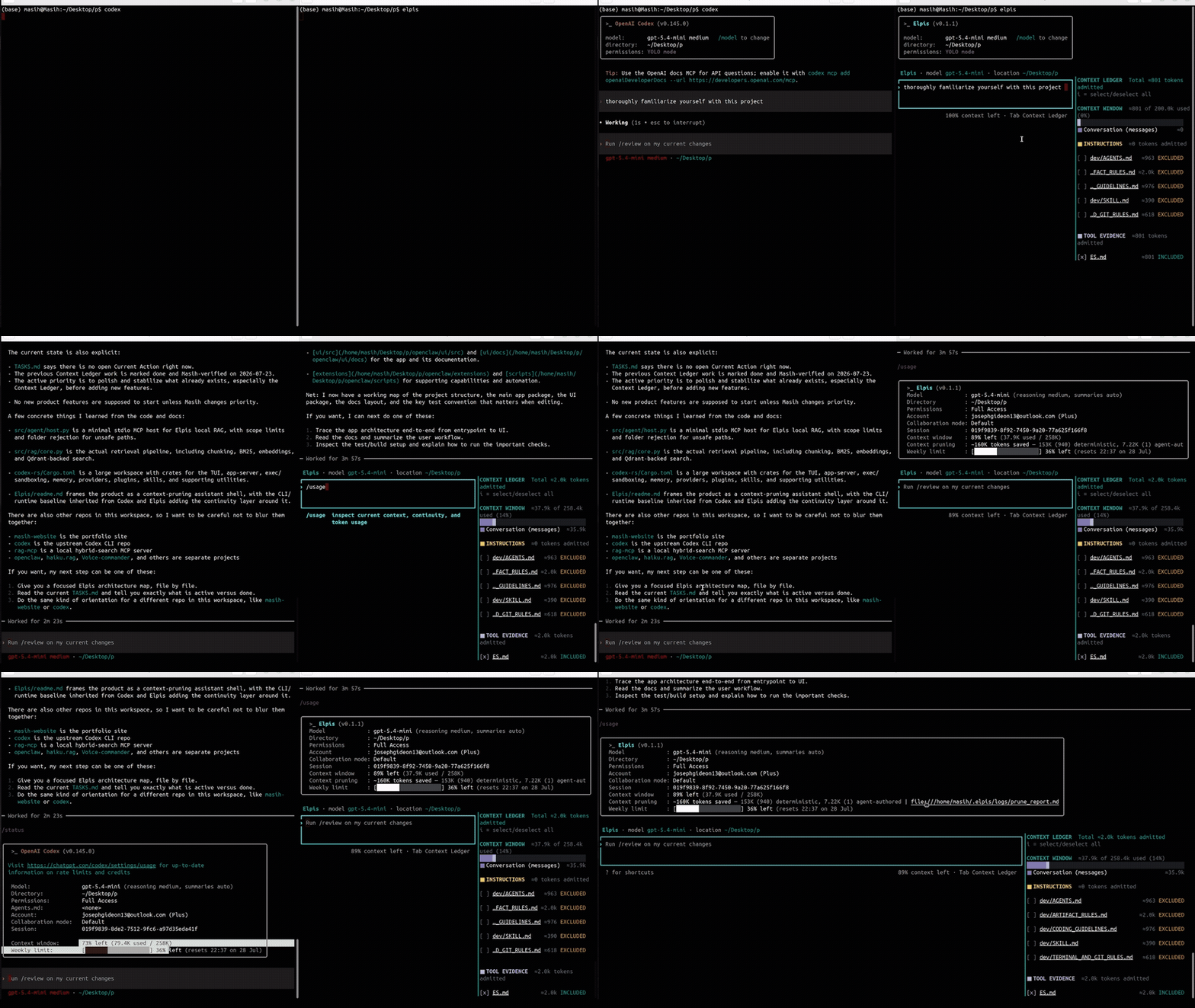
Evidence — full context-management session
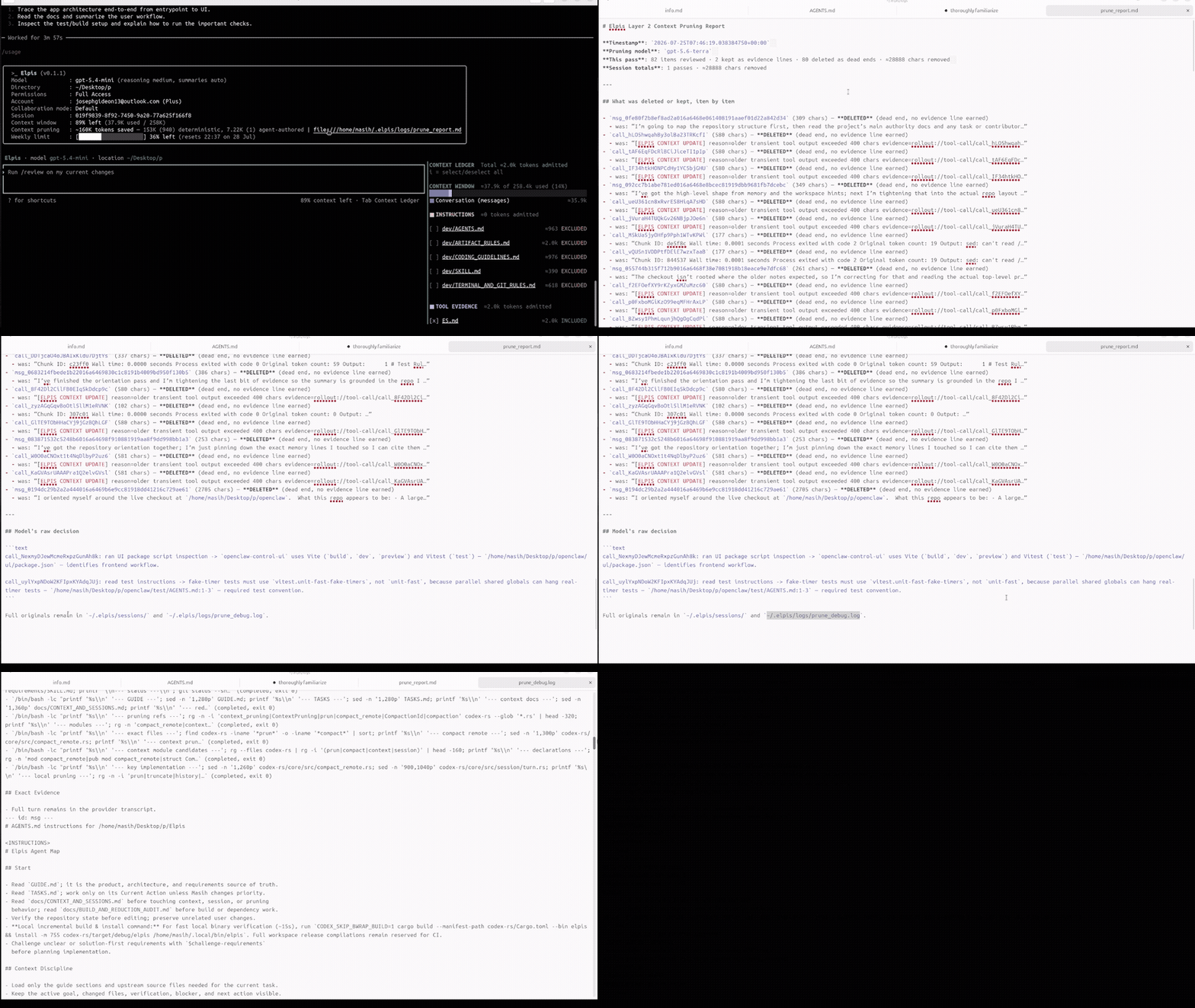
The clip above is a 25-second highlight. The recording below captures an uncut agent session showing Elpis's context loop in action: how working state is pruned post-turn, how the Context Ledger tracks the live file set, and how goal and checkpoint state survive across compaction events. Watch it to see the numbers in the context-efficiency table produced in real time.
Start here
mkdir -p "$HOME/.local/bin" && curl -fsSL https://github.com/MasihMoafi/Elpis/releases/latest/download/elpis-linux-x86_64 | install -m 755 /dev/stdin "$HOME/.local/bin/elpis"
elpis
Or install the .deb (Debian/Ubuntu):
curl -fsSL "$(curl -s https://api.github.com/repos/MasihMoafi/Elpis/releases/latest | grep -oE '"browser_download_url": *"[^"]*\.deb"' | grep -v sha256 | cut -d '"' -f4)" -o elpis.deb
sudo dpkg -i elpis.deb
This Linux x86_64 command assumes ~/.local/bin is on your PATH. On first launch,
Elpis shows a one-time onboarding screen to pick a provider and sign in; it does not
reappear later, and every session after that shows the persistent identity header
(Elpis · model <model> · location <cwd>) instead. Use the sections below when you
need the implementation and operating model behind the interface.
- Context and sessions explains what Elpis admits, retains, and prunes.
- Memory explains bounded local memory, recall provenance, and the fail-closed archive.
- Providers explains provider selection and credentials.
- Visual walkthrough points to the screenshot-led guide in the repository README.